


How to Build an AI Agent in 2026: A Practical Guide for Engineers
You build an AI agent by wrapping a large language model in a loop: the model gets a goal, decides an action, calls a tool, reads the result, and repeats until the task is done. The core pieces are a controller model, tools defined as JSON schemas, a memory system, an orchestration loop, and a termination condition. Tools are exposed through function-calling APIs — the model returns a structured call, your code runs it, and you feed the output back. The hard part isn't the loop; it's knowing when NOT to build an agent. Most production systems are workflows with predefined paths, not autonomous agents — and Gartner projects over 40% of agentic-AI projects will be canceled by end of 2027 on cost and unclear value. This guide walks the architecture, tool calling, memory, patterns, failure modes, and deployment.

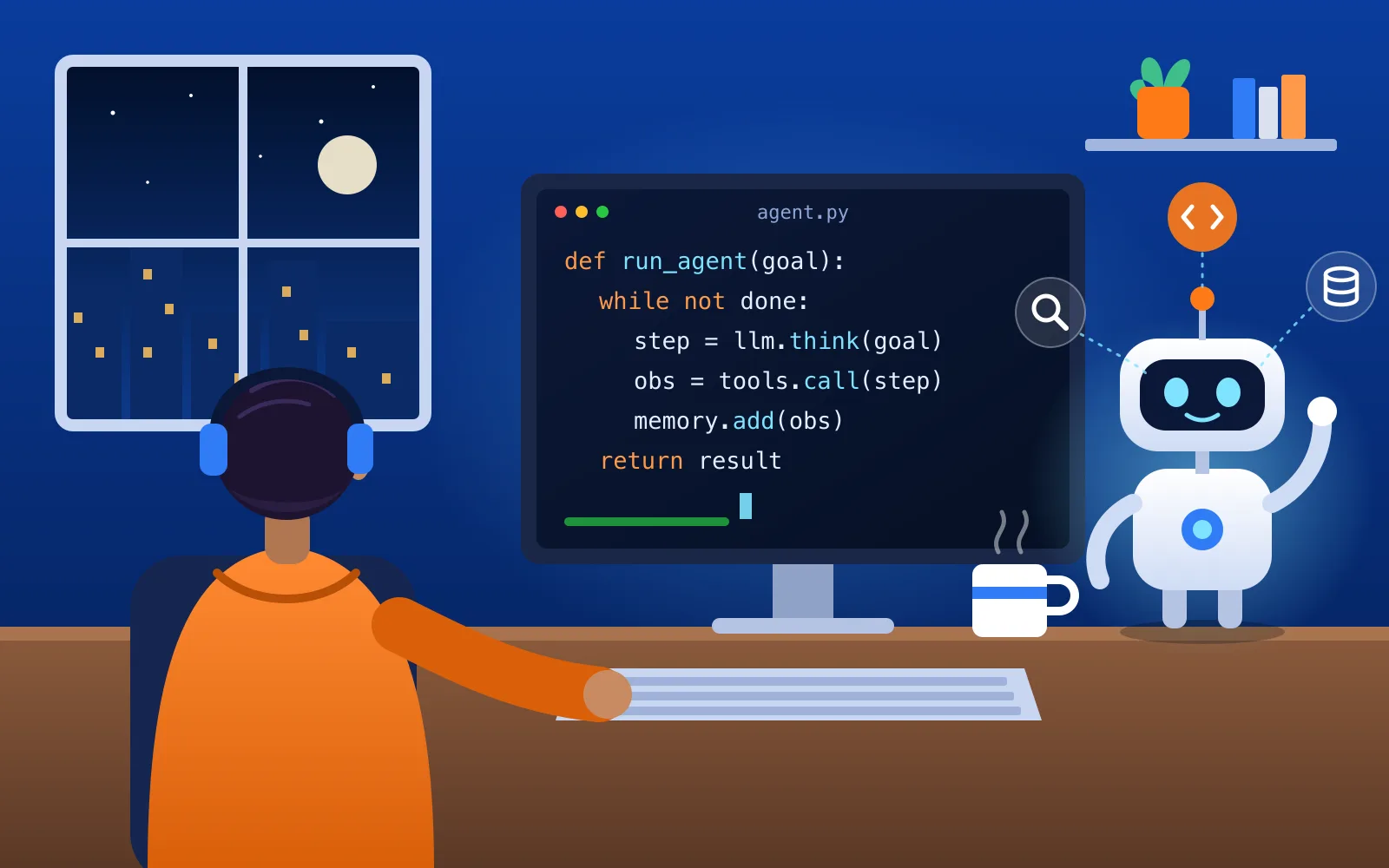
- An agent is an LLM that "dynamically direct[s] [its] own processes and tool usage… in a loop" (Anthropic, Building Effective AI Agents, Dec 2024). A workflow orchestrates LLMs "through predefined code paths." Most production systems are workflows.
- The agent loop has five beats: perceive → reason/plan → act (tool call) → observe (tool result) → repeat, until a termination condition fires.
- Tool calling ≠ code execution. The model only decides which tool and with what arguments; your code runs it. That boundary is the whole security and reliability story.
- The foundational unit is the augmented LLM — a model enhanced with retrieval, tools, and memory (Anthropic).
- Gartner forecasts 40% of enterprise apps will feature task-specific AI agents by 2026, up from under 5% in 2025 (press release, 2025-08-26) — but projects over 40% of agentic-AI projects will be canceled by end of 2027 on escalating cost and unclear value (2025-06-25).
- The conceptual backbone is ReAct (Yao et al., 2022) — interleaving reasoning "thoughts" with actions and observations — now implemented implicitly by native function calling.
How do you build an AI agent?
You build an AI agent by wrapping a large language model in a loop: the model receives a goal, decides on an action, calls a tool, reads the result, and repeats until the task is done. The core pieces are a controller model, a set of tools it can call (defined with JSON schemas), a memory system for context, an orchestration loop, and a termination condition. You expose tools through function-calling APIs; the model returns a structured call, your code executes it, and you feed the output back. The single most important decision comes first: start with the simplest design that works — often a single call or a fixed workflow, not a fully autonomous agent. That restraint is what separates shipped systems from canceled ones.
What is an AI agent, and how is it different from a chatbot?
An AI agent is software that uses a language model to pursue a goal by taking actions in the world — searching, querying a database, running code, calling an API — and adjusting based on what those actions return. A chatbot answers; an agent acts, observes the result, and decides what to do next.
The key distinction, from Anthropic's canonical framing, is autonomy over control flow. A single LLM call that classifies an email or summarizes a document is not an agent, no matter how clever the prompt. An agent is defined by the iterated loop with tool feedback — the model, not your code, decides each step. That autonomy is powerful and expensive: it buys flexibility on open-ended tasks and pays for it in cost, latency, and the risk of compounding errors.
What's the difference between a workflow and an agent?
This is the most important design decision you'll make, so it deserves a table.
| Workflow | Agent | |
|---|---|---|
| Control flow | Predefined code paths you write | The model decides its own path at runtime |
| Predictability | High — same route every time | Lower — route varies by input |
| Cost/latency | Bounded and knowable | Higher; compounds with each turn |
| Best for | Tasks you can fully specify in advance | Open-ended tasks you can't script |
| Debuggability | Easy — deterministic | Harder — dynamic and stateful |
Anthropic's guidance is blunt: "find the simplest solution possible, and only increas[e] complexity when needed." For many applications, "optimizing single LLM calls with retrieval and in-context examples is usually enough." Reach for a true agent only when the task is genuinely open-ended and the steps can't be pre-specified.
What is the agent loop?
The loop is the whole engine. Every agent framework — and every from-scratch build — implements these five steps:
- Perceive — the agent receives the goal plus current context (user input, prior tool results, memory).
- Reason / plan — the controller model decides the next action: call a tool, or produce the final answer.
- Act — it emits a structured tool call; your code executes it.
- Observe — the tool result is fed back into context. Anthropic calls this "ground truth": "it's crucial for the agents to gain 'ground truth' from the environment at each step… to assess its progress."
- Repeat — until a termination condition: task complete, max iterations reached, or a human stops it.
You can write this loop yourself in roughly forty lines of code around a model's tool-calling API. The provider SDKs also ship a "tool runner" that automates the request → execute → loop cycle for you.
How do you give an agent tools (function calling)?
Both major providers work the same way conceptually. You send the model a catalog of tools defined as JSON Schema; the model returns a structured tool call (name + JSON arguments), not free text; your code executes it and returns the result; the model continues.
The mechanics, verified against the live provider docs:
- Anthropic: you pass each tool with an
input_schema. When the model wants a tool, the response carriesstop_reason: "tool_use"and one or moretool_useblocks (id,name,input). Your code runs it and returns atool_resultblock referencing thetool_use_id. Defaulttool_choiceisauto;strict: trueguarantees the call matches your schema. One turn can contain multiple tool calls (parallel tool use). - OpenAI: a five-step flow — define tools in the
toolsparameter; the model returns a call withname,call_id, and JSONarguments; your app executes it; you return afunction_call_outputwith thecall_id; the model produces the final response.strict: true(powered by Structured Outputs, Aug 2024) forces schema adherence and requiresadditionalProperties: false.
The takeaway to internalize: the model never runs your code. It chooses the tool and the arguments; execution — and therefore validation, sandboxing, and permissions — is your responsibility.
What are the building blocks of an agent?
| Component | What it does | Example / implementation |
|---|---|---|
| Controller (LLM) | Decides the next action each turn — the "brain" | A frontier tool-calling model with reasoning |
| Tools | Actions the agent can take in the world | Web search, code execution, DB query, API calls, file I/O |
| Tool interface | How tools are described to the model | JSON-schema function definitions (name, description, parameters) |
| Memory | Retains context beyond one turn | Short-term: the message history / context window. Long-term: a vector DB (RAG) or file store |
| Orchestration loop | Runs act → observe → repeat, manages state | Your own while loop, or a framework/SDK tool runner |
| Termination + guardrails | Stops the loop; enforces limits | Max-iteration cap, budget cap, human approval, sandboxing |
How do agents use memory?
Agents need two kinds of memory. Short-term memory is the conversation and tool-result history that lives in the context window — it's automatic, but it grows every turn, which drives up cost and can trigger "lost in the middle" recall problems. Long-term memory persists across turns and sessions: you store facts, past decisions, or documents in a vector database (retrieval-augmented generation) or a file/memory store, and retrieve the relevant pieces on demand.
The practical rule: don't stuff everything into the context window. Summarize or prune old turns, and pull long-term memories in only when they're relevant to the current step. Memory management is one of the biggest levers on both cost and quality.
How do you handle multi-step planning (the ReAct pattern)?
The reasoning backbone of modern agents is ReAct — "Reason + Act" (Yao et al., 2022). ReAct interleaves reasoning traces ("thoughts") with actions in a Thought → Action → Observation loop. The explicit thought lets the model decompose the task, track progress, handle exceptions, and revise its plan based on intermediate results. The paper evaluated it on question answering (HotPotQA), fact verification (FEVER), and interactive tasks (ALFWorld, WebShop).
In 2026 you rarely hand-write ReAct's text-parsing prompt. Native function calling plus the model's built-in chain-of-thought reasoning implement the pattern for you: the "reasoning" happens in the model's thinking, and the "action" is a structured tool call. But the mental model is still exactly right — an agent reasons, acts, observes, and repeats.
Which agent and workflow patterns should you know?
Anthropic documents five composable patterns plus the autonomous agent. Master these before reaching for anything exotic:
| Pattern | What it is | When to use |
|---|---|---|
| Prompt chaining | Sequential LLM calls; each processes the previous output, with checks between | Task splits into fixed subtasks |
| Routing | Classify the input, dispatch to a specialized path | Distinct input categories |
| Parallelization | Run calls simultaneously (sectioning or voting), then aggregate | Speed, or consensus/confidence |
| Orchestrator-workers | A central LLM breaks down a task, delegates to workers, synthesizes | Subtasks unknown until runtime |
| Evaluator-optimizer | One LLM generates; a second evaluates and gives feedback in a loop | Clear criteria + iterative refinement |
| Autonomous agent | LLM directs its own tool use in an open-ended loop | Steps can't be pre-specified |
The first five are workflows — you own the control flow. Only the last is a true agent. They compose: routing can feed a prompt chain; an orchestrator can wrap an evaluator-optimizer at the worker layer.
Do you need a framework like LangGraph or CrewAI?
No — and Anthropic explicitly recommends starting without one. You can build the loop in about forty lines around a model's tool-calling API. Frameworks (LangGraph, CrewAI, AutoGen, the OpenAI Agents SDK) add convenience — state management, retries, multi-agent handoffs, tracing — but they also add abstraction layers that can hide the underlying prompts and make debugging harder.
The pragmatic path: build your first agent from the raw model API so you understand exactly what's in the context window at each step. Adopt a framework only when its abstractions demonstrably save you more than they cost. (For a comparison of the options, see the related reading below.)
Which model should you use as the controller?
Use a capable, current tool-calling model from a frontier lab — the model that plays "controller" needs strong reasoning and reliable structured-output/function-calling support. Model version numbers move fast, so validate the current lineup at build time rather than hardcoding one, and don't assume a benchmark number without checking it.
A cost pattern worth adopting early: use a strong model for planning and a cheaper, faster model for routine sub-steps (simple extractions, formatting). Because the context — and therefore the token bill — grows every turn, matching model size to task difficulty is one of the cleanest ways to keep an agent affordable.
What are the most common ways agents fail?
| Failure mode | Cause | Fix |
|---|---|---|
| Runaway loops | No termination condition | Hard max-iteration cap + budget cap |
| Cost/latency blowup | Context resent and growing each turn | Cap turns; prune/summarize context; cheaper sub-step model |
| Compounding errors | A wrong early step poisons later steps | Ground-truth checks; human approval on risky actions |
| Hallucinated tool calls | Undefined tool or wrong arguments | strict/structured outputs; validate before executing |
| No eval harness | Ship with no way to catch regressions | Build evals before scaling |
| Over-engineering | Agent used where a workflow would do | Start simple; add autonomy only when it demonstrably helps |
Anthropic names the core economics directly: "The autonomous nature of agents means higher costs, and the potential for compounding errors." It also stresses the boring safeguards that actually matter — thorough tool documentation (the "agent-computer interface"), extensive testing in sandboxed environments, and appropriate guardrails.
When should you NOT build an agent?
When the task is well-defined and can be solved by a single call or a fixed workflow. This is the mistake Gartner's cancellation forecast is really about: reaching for autonomy where determinism would be cheaper, faster, and easier to trust. If you can write down the steps in advance, write them down — that's a workflow, and it will be more reliable than an agent every time.
Build an agent only when the problem is genuinely open-ended, the steps can't be scripted, and the flexibility is worth the cost and the loss of predictability. "Simplest thing that works" isn't a beginner's rule here; it's the senior one.
How do you deploy an agent to production?
Deployment is where the guardrails earn their keep. Before an agent touches real users or real systems:
- Cap everything — max iterations, token/cost budget per run, and per-tool rate limits.
- Sandbox tool execution — especially code execution and anything that writes data; assume the model will occasionally call the wrong tool.
- Add human-in-the-loop approval for irreversible or high-stakes actions.
- Instrument the trajectory — log every thought, tool call, argument, and result so you can debug and evaluate.
- Run evals continuously — outcome (did the task succeed?), trajectory (was the path sound?), and component (which tool broke?), using deterministic checks for objective steps and an LLM-as-judge for open-ended quality.
Ship the smallest version that solves a real problem, measure it, and expand autonomy only where the data says it pays.
Related reading
- How to build a RAG system from scratch — retrieval is the memory layer most agents lean on.
- The AI Agent Engineer role in 2026 — who builds these systems for a living, and what the job pays.
- The AI Engineer career path — where agent-building sits in the broader skill map.
Build a real agent, not a demo
The gap between an agent demo and an agent in production is exactly what this guide is about: tool boundaries, memory, guardrails, and evals. Dexity's Ship Production Code with AI course has you build and evaluate a real tool-using system end-to-end, so you leave with a project that survives contact with live tools and real cost — the thing every AI-engineering interview and job actually tests.
Sources: architecture, patterns, and "when not to build an agent" from Anthropic, Building Effective AI Agents (Dec 2024) and Anthropic's tool-use documentation; the ReAct pattern from Yao et al., 2022 (arXiv:2210.03629); function-calling mechanics from OpenAI's function-calling guide and Structured Outputs (Aug 2024); market figures from Gartner press releases (task-specific agents, 2025-08-26; project cancellations, 2025-06-25). US-only; model names and version numbers move — confirm current figures at build time. · Dexity.com
Frequently asked questions
Agent vs. workflow — what's the actual difference?
A workflow follows predefined code paths you wrote; an agent lets the model decide its own path and tool use at runtime (Anthropic). Most production systems are workflows, not agents — and that's usually the right call.
Do I need a framework like LangGraph or CrewAI?
No. Anthropic recommends starting with the raw model API and adding a framework only if it clearly helps. You can build the loop in about forty lines; frameworks add abstraction that can hide prompts and complicate debugging.
How does the model actually "call" a tool?
It doesn't run code. You describe tools as JSON schemas; the model returns a structured call (tool name + JSON arguments); your code executes it and feeds the result back. Use strict/structured outputs so the arguments match your schema.
Is ReAct still relevant in 2026?
Yes as a mental model. Interleaving reasoning with actions then observing is exactly what agents do — but you rarely prompt it by hand now; native function calling plus the model's reasoning implement it for you.
How do I stop an agent from looping forever or blowing up my bill?
Add a max-iteration cap, a token/cost budget, and human approval for risky actions, and prune or summarize context each turn. Agents carry higher cost and compounding-error risk by design.
When should I not build an agent?
When the task is well-defined enough for a single call or a fixed workflow. Gartner projects over 40% of agentic-AI projects will be canceled by end of 2027, largely from cost and unclear value — usually the result of using an agent where a workflow would do.
More in AI at Work
All Intel →AI Agent Frameworks in 2026: LangGraph vs CrewAI vs AutoGen vs OpenAI Agents SDK, Compared
There's no single "best" AI agent framework — the right pick depends on your stack and how much control you need. In 2026 the main options are LangGraph (graph-based, most control, strongest for production and complex multi-agent), CrewAI (role-based "crews," fastest to prototype), AutoGen/AG2 (conversation-driven multi-agent), and the OpenAI Agents SDK (lightweight, handoff-based, Python + TypeScript), plus LlamaIndex Workflows, Google ADK, Pydantic AI (type-safe), and the Microsoft Agent Framework (the AutoGen + Semantic Kernel successor). Many teams skip frameworks and build agents with the model SDK plus a loop — Anthropic and Microsoft both recommend starting there. This guide compares them on language, abstraction, multi-agent support, state/memory, and best-fit, with version and maturity claims attributed and dated (they drift).
AI at WorkHow to Evaluate AI Agents: Trajectories, Tool Use, and Task Success (2026 Guide)
Evaluating an AI agent means judging both what it produced and how it got there. Unlike a single LLM call, an agent plans, calls tools, and takes many steps — so a correct final answer can hide a broken path. Combine outcome evaluation (task success rate, final-answer correctness) with trajectory evaluation (tool selection, tool-argument accuracy, step efficiency, error recovery). Score deterministic things with code and reserve LLM-as-judge for subjective quality — while guarding against its position, verbosity, and self-preference biases. Track cost, latency, and step count in the same traces as quality. Run offline evals on a fixed dataset before shipping, then monitor online in production and convert every failure into a permanent regression test. This guide covers the taxonomy, the real agent benchmarks (τ-bench, WebArena, GAIA, SWE-bench, BrowseComp), the tooling, and the mistakes.
AI at WorkHow to Fine-Tune an LLM in 2026
Fine-tuning teaches an LLM a behavior, style, or skill — not new facts (that's RAG's job). It appears in 26% of AI-engineer job descriptions (Dexity), the same rate as RAG, but it's the most over-reached-for of the three techniques. In 2026 you almost never full-fine-tune: a LoRA or QLoRA adapter on a strong base model, trained with SFT (then DPO if you need preference alignment) on a few hundred to a few thousand curated examples, is the default — runnable on a single GPU for a few dollars. This guide covers the decision (fine-tune vs RAG vs prompt), the methods (LoRA/QLoRA, SFT vs DPO), data, the tool stack (HF TRL/PEFT, Unsloth, Axolotl, Modal), evaluation, and the failure modes.